
Setting up a smart home used to mean hiring an electrician or figuring out a dozen confusing apps. In 2025? It’s plug-and-play — and you can build a full system in a single afternoon.
Whether you want convenience, better security, or to reduce your energy bill, this guide will walk you through the easiest way to start a smart home that actually works — no headaches, no wasted money.
Step 1: Start With Smart Plugs

Smart plugs are the best entry point for any smart home. You just plug one into a wall socket, connect it to Wi-Fi, and suddenly you can control lamps, kettles, heaters, and more from your phone or with your voice.
They’re small, affordable, and instantly useful — no rewiring required.
Good to know:
- Most smart plugs support Alexa and Google Assistant
- Some track energy usage in real time
- Look for ones with scheduling features or dimming
Want to compare? See our Best Smart Plugs for 2025 guide.
Step 2: Add Voice Control (Alexa or Google Assistant)
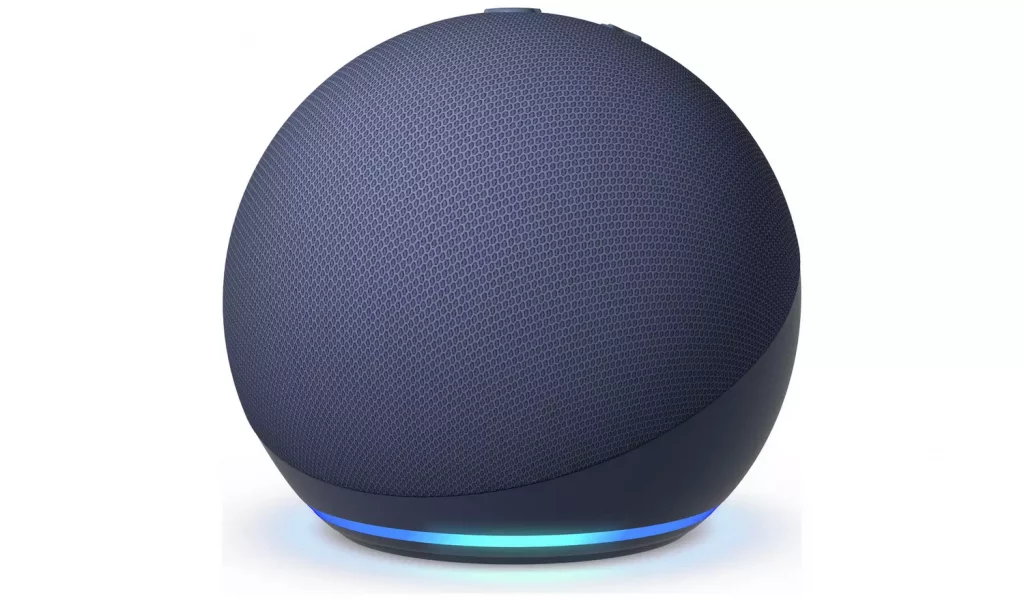
Voice control makes your smart home feel, well, smart. A simple command like “turn on the heater” or “dim the lights” becomes part of everyday life.
To get started, pick a voice assistant:
- Amazon Alexa (works best with Ring, Blink, Kasa)
- Google Assistant (great with Nest and TP-Link)
- Apple HomeKit (if you’re deep in the Apple ecosystem)
Then grab a smart speaker like an Echo Dot or Nest Mini. Setup takes minutes — and unlocks hands-free control for every device you add later.
Step 3: Secure Your Home With Smart Cameras and Doorbells
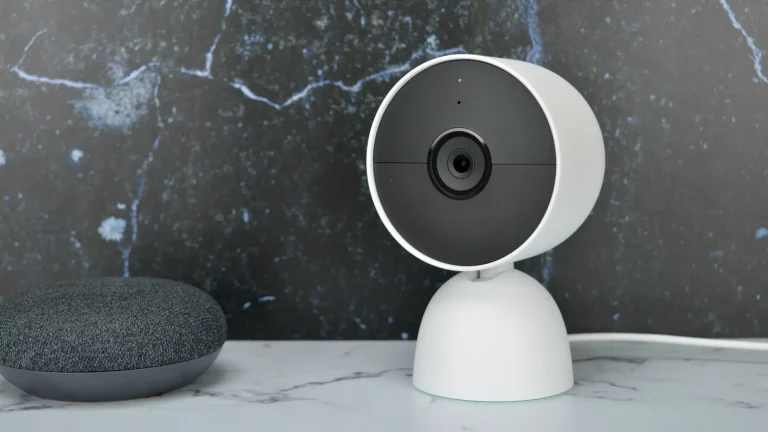
Once you’ve got voice and power sorted, it’s time to secure your home.
Today’s smart cameras do more than record. They can detect people, animals, packages — even familiar faces. Doorbells offer live video, two-way talk, and motion alerts right to your phone.
Look for:
- AI detection (people, pets, vehicles)
- Night vision or color night mode
- Local storage (no monthly fees) or cloud backup
- Battery-powered vs wired options
Explore our reviews of the Best Smart Security Cameras and Best Smart Doorbells.
Step 4: Automate With Routines and Schedules
Now that your core devices are in place, it’s time to automate.
Most smart home apps let you create routines — actions that trigger at certain times or based on events. A few examples:
- “Good Morning” turns on the lights, kettle, and radio at 7 AM
- “Away Mode” arms your camera, switches off plugs, and simulates lighting
- “Movie Night” dims lights and powers up the TV system
This is where the magic happens — your home starts anticipating your needs.
Step 5: Expand With Lighting, Thermostats, and More
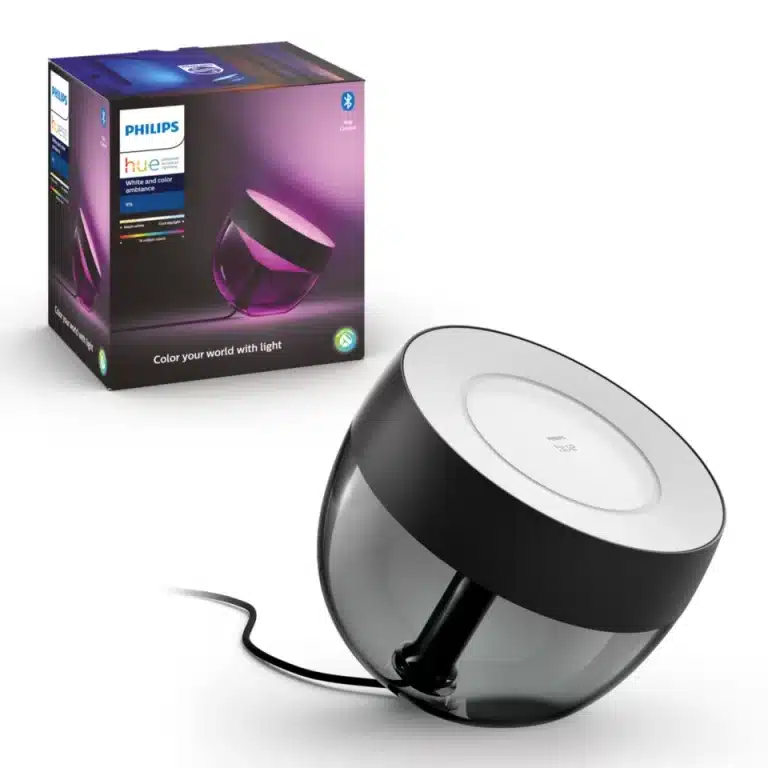
Once the basics are humming, it’s easy to expand:
- Smart lights that change colour or follow a schedule
- Smart thermostats that learn your habits and save on heating
- Air purifiers, blinds, and even kettles — all controllable via app or voice
The key is to stay within the same ecosystem (like sticking with Alexa or Google) to avoid compatibility issues.
More guides and reviews are coming soon — stay tuned.
Tips to Avoid Common Mistakes
- Pick one smart assistant and stick to it
- Don’t overbuy too quickly — start small, test what works
- Secure your Wi-Fi with a strong password and guest network
- Use automations to get real value from your setup
FAQs
What do I need to start a smart home in 2025?
You only need Wi-Fi, a smartphone, and one smart device to get started — usually a smart plug or smart speaker is the easiest entry point. Everything else builds from there.
Which voice assistant is best for smart homes?
Alexa and Google Assistant are the most popular, with wide device support. Apple HomeKit offers great privacy but supports fewer products. Pick the ecosystem that fits your devices and preferences.
Can I set up a smart home without rewiring anything?
Yes. Most smart home devices in 2025 are plug-and-play, including smart plugs, lights, cameras, and thermostats. No rewiring or professional installation needed.
Is it safe to use smart home devices?
Yes, but you should use strong Wi-Fi passwords, enable two-factor authentication where possible, and buy from trusted brands. Keeping your app and firmware updated also helps prevent risks.
How much does it cost to build a smart home?
You can start with under £50/$50 by buying a smart plug or speaker. A full home system with cameras, lights, and automation can range from £200 to £1,000 depending on how advanced you want to go.